

Demystifying enterprise resource planning for business owners
If you ask three different business owners what an ERP system is, you will likely get three different answers. Some view it as complex corporate software, while others see it as a glorified point-of-sale tool. For an owner looking to gain control of their operations, understanding what an ERP system does in relation to accounting is the first step toward business growth.
The difference between bookkeeping apps and ERP systems
Bookkeeping apps (like QuickBooks, Wave, or Xero) record financial transactions after they occur. You must enter invoices, log expenses, and categorize bank entries manually. A bookkeeping app is an observer of your business.
An ERP system, on the other hand, is an active participant. It manages the actual workflows that create financial transactions. When a cashier completes a sale, a storekeeper logs a stock receipt, or a manager approves payroll, the ERP coordinates the operational flow and writes the financial journal entries automatically.
How end-to-end GL mapping works in practice
An Accounts GL mapped end to end connects your front-office operations to your back-office ledger. Here is a simple example of how a single transaction moves through an ERP system in Kenya:
- Checkout: A customer buys items at your POS. The cashier clicks "Pay via M-Pesa".
- Payment: The ERP triggers an M-Pesa STK push. The customer enters their PIN.
- Compliance: The system transmits receipt data to KRA eTIMS, receives the fiscal signature, and prints the QR-coded receipt.
- Accounting: The ERP automatically debits the M-Pesa ledger account, credits sales revenue, debits cost of goods sold, and credits inventory, all in real time without human intervention.
The payoff: automatically drawing balance sheets and financial statements
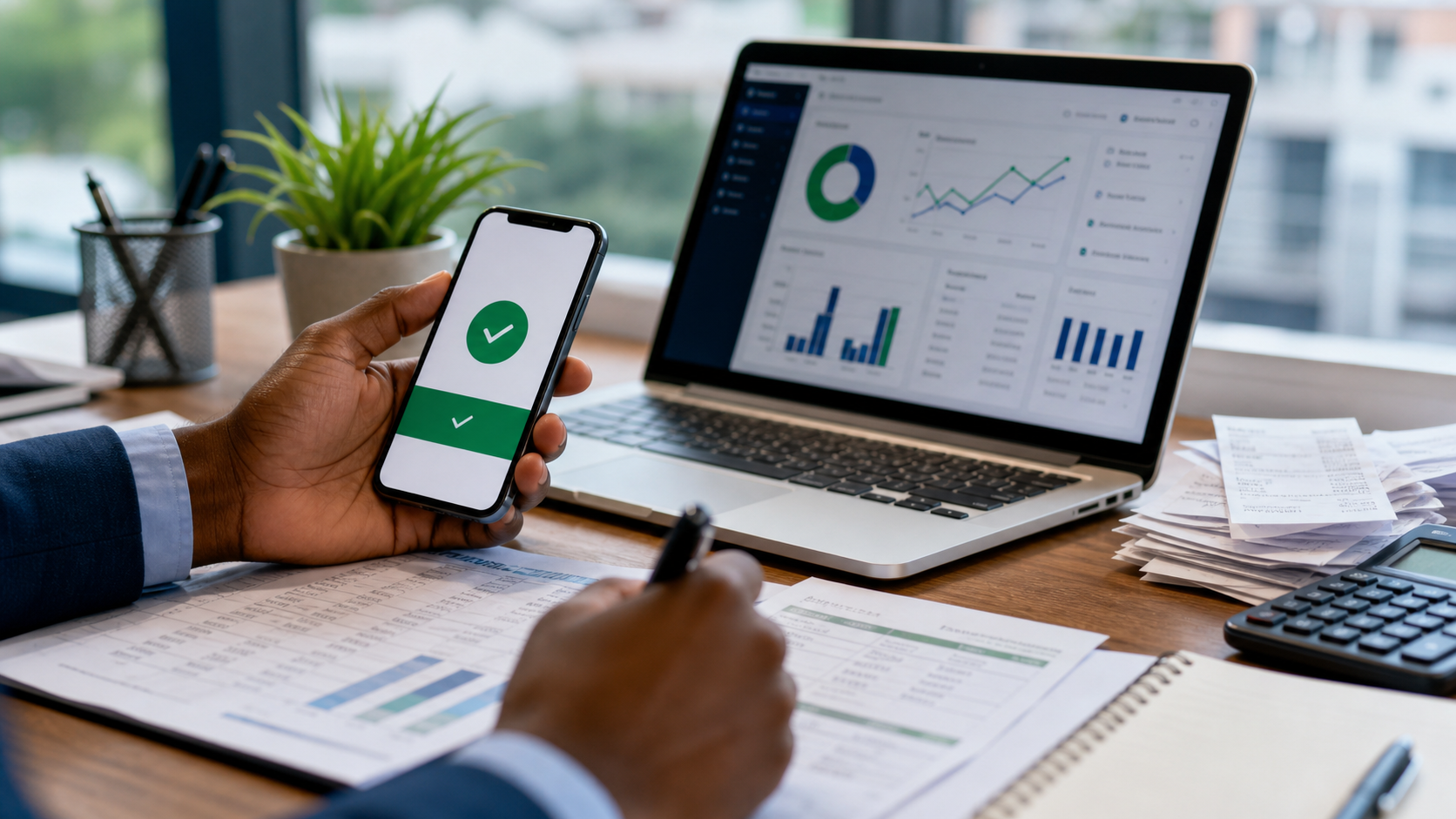
Because every stock change, payroll run, sale, and payment writes to the general ledger automatically, compiling monthly reports is obsolete. You can view live Financial Statements, including your balance sheet and income statement, at any time on your desktop or phone, giving you total visibility over your profit margins, cash balances, and liabilities.

 Biashara support