
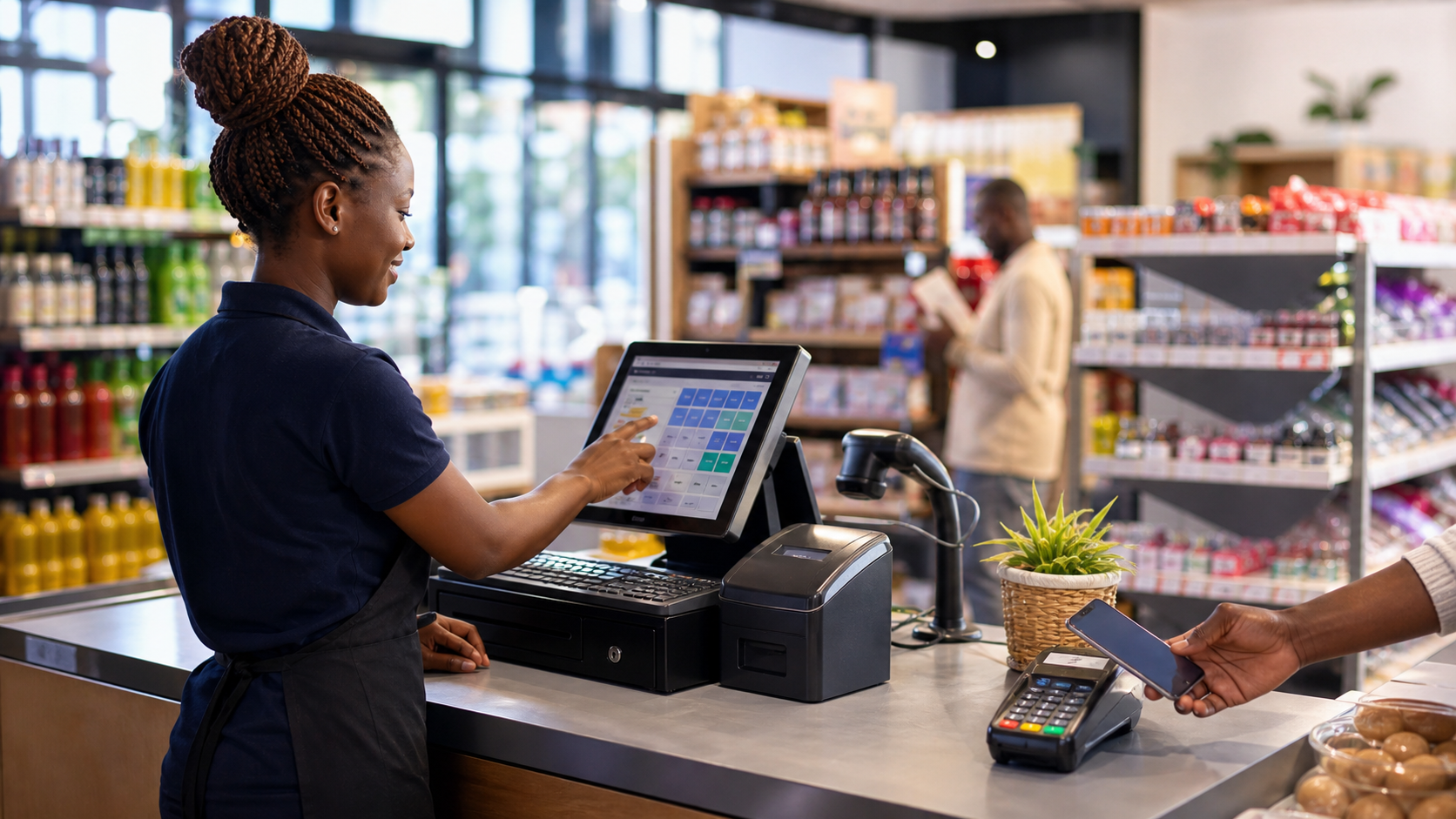
Why your POS choice matters more than your shelf layout
A point of sale is not a calculator with a logo. It is the gate where cash, stock, tax evidence, and customer trust all meet. In Kenya, that gate also has to handle M-Pesa, short credit for regular buyers, and growing KRA eTIMS expectations. A bad POS looks fine on day one and becomes expensive by month three.
Signs of a bad POS
- Stock is optional. The system allows sales when quantity is zero. That is how shrinkage hides inside "computer error".
- M-Pesa is a memo field. Cashiers type a reference by hand and hope accounts match at month end.
- No till discipline. Any cashier can void lines, wipe the cart, or discount without a supervisor trail.
- Credit is a notebook. On-account sales do not post to a ledger. You discover debt when the customer stops answering calls.
- One shop only. Opening a second branch means a second island of data, usually a spreadsheet bridge.
- Receipts are not eTIMS-aware. You still depend on a side process for fiscal evidence when a buyer needs it.
Signs of a good POS (especially for Kenya)
- Stock is enforced at checkout. Out-of-stock items cannot be sold accidentally or through a forced post.
- M-Pesa is a payment rail. STK Push, Buy Goods till, Paybill, or C2B auto-detect sit inside the sale flow, not beside it.
- Approvals are tiered. Sensitive actions (discounts, line notes, refunds, on-account sales) require manager authorisation at the till.
- Credit posts to a customer ledger. Open balances, aging, statements, and collections live in the same system as the receipt.
- Branch and shift context. Owners can see which till, which branch, and which cashier drove the day.
- Path to eTIMS. Checkout can mark and track ETR/eTIMS workflow without pretending filing is automatic magic.
Questions to ask any vendor (including us)
- What happens when stock hits zero during a busy Saturday?
- Show me M-Pesa reconciliation without exporting to Excel.
- How is on-account blocked for risky customers?
- Can I see sales returns and credit notes tied to the original receipt?
- How do multi-branch owners compare performance?
Biashara ERP treats POS as part of enterprise resource planning, not a side app. If you are evaluating systems, start at our comparison page or book a demo and bring this checklist to the call.



 Biashara support