
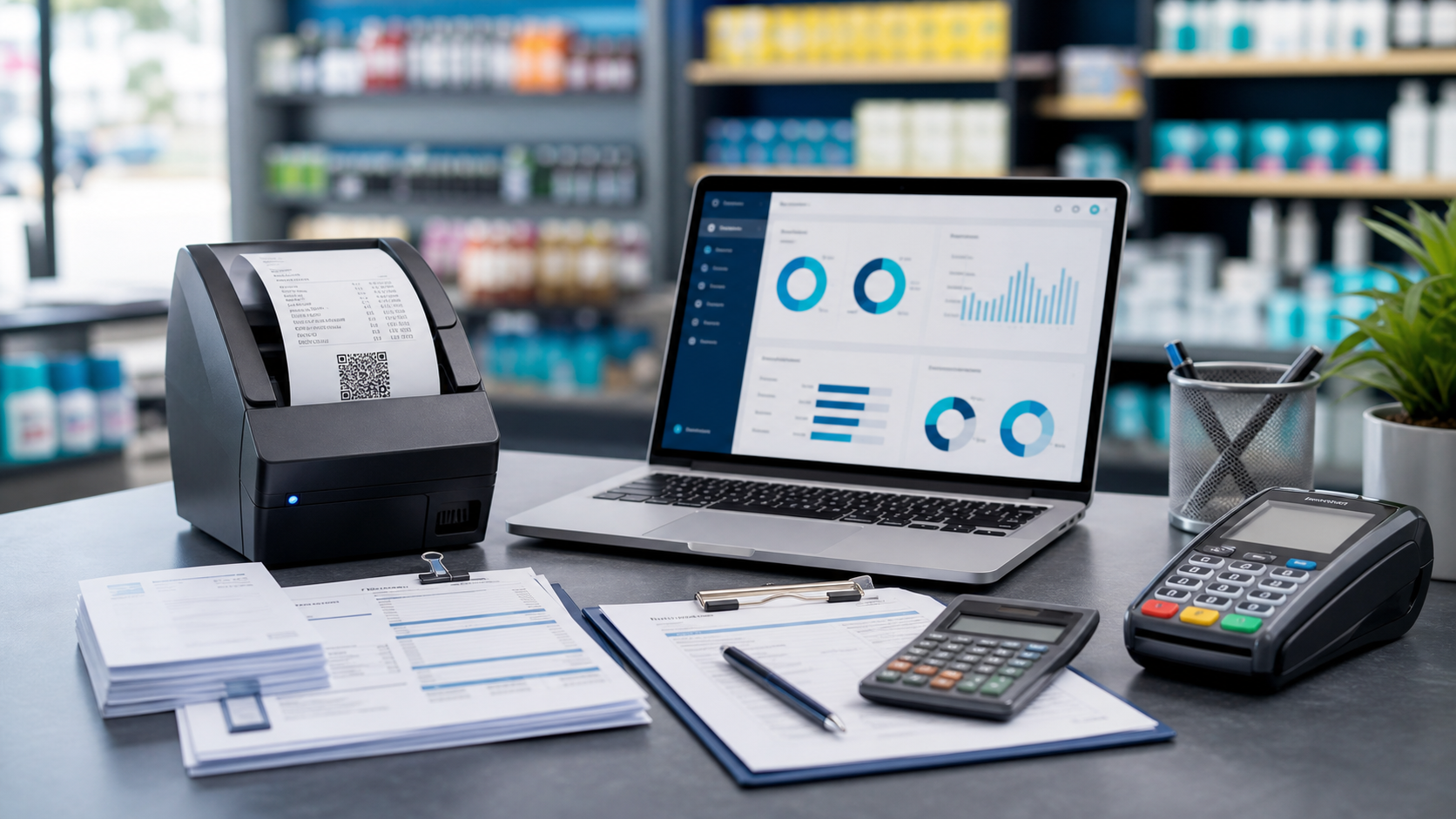
eTIMS is a process, not a button
Many shop owners hear "eTIMS integration" and expect a silent background sync. In practice, compliance is a business process: knowing when a sale needs fiscal evidence, recording it, and retaining audit-friendly history. Software should make that process fast and consistent, not pretend it is fully automatic for every walk-in buyer.
What your checkout should support
- Per-checkout ETR choice. Cashiers can mark when a buyer needs tax invoice / ETR treatment without forcing it on every sale.
- CU reference capture. When you receive a Control Unit number from eTIMS, it should sit on the same receipt the accounts team can find later.
- Grouped checkout history. Multi-line tickets should stay one logical sale for audit, not scattered line IDs.
- Credit notes aligned to returns. Returns that become credit notes should carry KRA workflow fields, not only stock adjustments.
Common mistakes merchants make
- Marking every walk-in sale for ETR, slowing checkout for no benefit.
- Keeping CU numbers in WhatsApp chats instead of on the sale record.
- Using a POS that cannot tie returns and credit notes back to the original checkout.
How Biashara ERP approaches eTIMS
Checkout supports ETR/eTIMS marking at the receipt level, CU number storage, and status visibility for the team. We are honest: filing still depends on your eTIMS process with KRA. The ERP's job is to make the sale record complete, searchable, and branch-consistent.
See payment and compliance rails on integrations and ask for an eTIMS walkthrough on demo.


 Biashara support